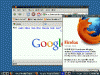
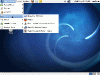
Zenwalk 6.4 Openbox Screenshots
Zenwalk 6.4 Openbox is a special release of Zenwalk which brings an extremely lightweight and customizable desktop for Linux users. This distribution is targeted at intermediate Linux desktop users that want a good starting point for building something highly customized. Also available in this Openbox version are all the same Zenwalk specific tools as the standard release.







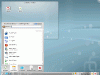
Peppermint OS One-06172010 Screenshots
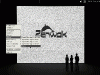
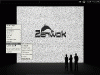
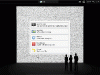
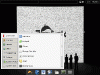
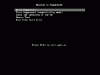
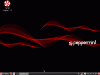
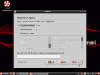
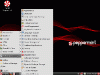
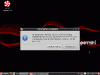
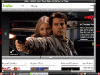
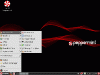
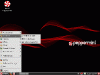
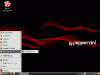
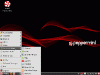
Peppermint OS is another unique distribution based on Ubuntu. This lightweight distro takes advantage of the LXDE lightweight environment paired with many web-based apps integrated into the desktop. This combination has produced a lot of excitement in the Linux community because of the unique approach they’re taking to be fast, efficient, and familiar. Several applications I noticed installed by default on Peppermint OS include Firefox, Drop-Box, Exaile, Prism, X-Chat, and Transmission. Cloud applications you may notice on Peppermint OS include Editor by Pixlr, Facebook, Hulu, Last.FM, Pandora, Seesmic Web, The Cloud Player, YouTube, Google Calendar, Google Docs, Google Mail and Google Reader. Quite the selection if you ask me, I’m excited to see how well Peppermint OS catches on in the upcoming months. Here’s some screenshots.








Random Screenshots